joya33 App – Play Casino & Sports on Your Phone
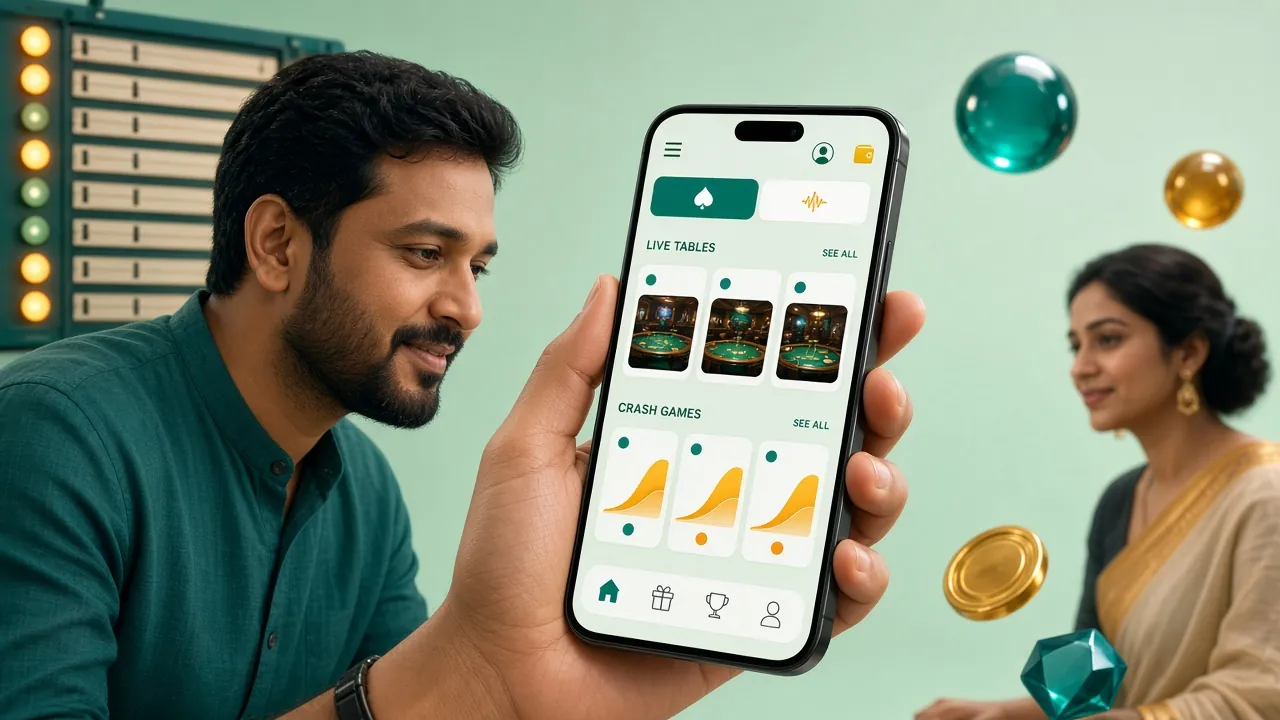
The joya33 app brings slots, live casino, crash games, and cricket betting to your Android device. Fast bKash deposits, instant crash rounds, and your full account in one APK — free to download, no sign-up required just to install.
joya33.apk · 52 MB · Android 7.0+ · Free
Scan to download
joya33.apk
What the joya33 App Puts in Your Pocket
Six things that make playing through the app worth doing over opening a browser tab every time.
Full Game Library
Every game in the joya33 casino lobby — over 4,600 titles including JILI slots, Evolution live tables, Ezugi crash, and Red Tiger jackpots — loads in the same app. No need to switch between tabs or browsers when you move from slots to a live Baccarat room.
Instant bKash Deposits
Link your bKash, Nagad, Rocket, or Upay number inside the app and confirm a deposit in roughly 3 minutes. The minimum is ৳350. You never leave the app to top up — tap Deposit, choose your MFS, enter the amount, approve the push notification, and you are back in the game.
Crash & Live Rounds
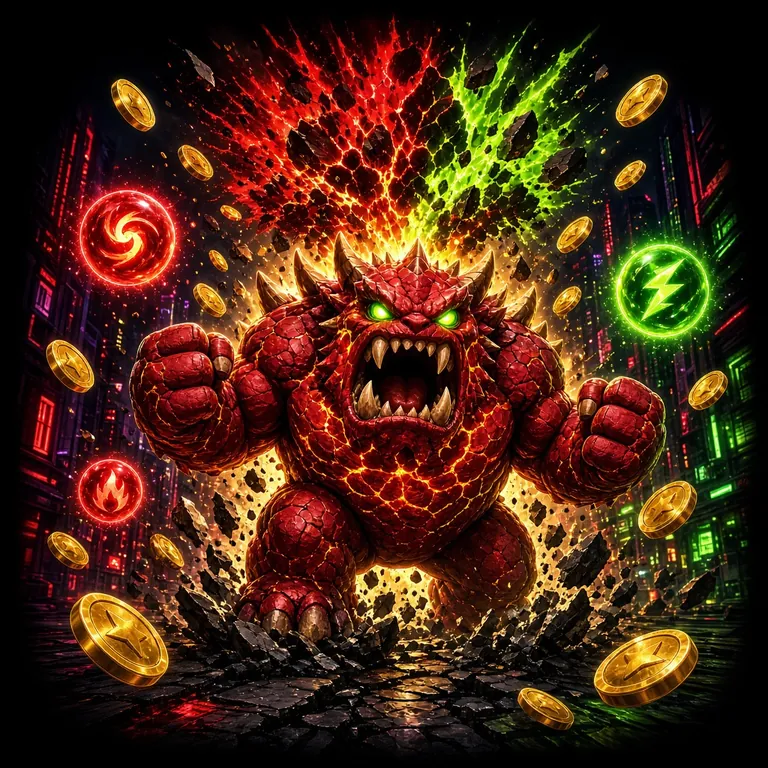
Crash games like Monster Crash (Ezugi) and Crash Goal (JILI) run on a continuous schedule — a new round starts every few seconds. The app keeps the WebSocket connection alive in the background so you catch every multiplier without refreshing. Live dealer rooms stream at full quality over 4G.
Push Notifications
Get a push alert when your withdrawal is approved — typically within 18 minutes of submitting. Bonus activation notices, weekly cashback credits, and BPL/IPL match reminders are also delivered to your notification tray so you never miss a reload window or a live match you wanted to bet on.
Biometric Login
If your Android device supports fingerprint or face unlock, the joya33 app can use it after your first password login. Tap the fingerprint icon on the login screen and authenticate with your sensor. Your credentials stay encrypted on-device — the app never stores your plain-text password locally.
24/7 Live Chat Inside the App
Tap the chat bubble anywhere in the app to reach joya33 support. Agents are available around the clock, every day. If you have a deposit stuck, a game that did not load, or a withdrawal question, you get a reply in real time — no email queue, no waiting until the next business day.
App vs Browser – Side by Side
Both routes work. Here is what changes when you use the dedicated APK instead of the mobile browser.
| Feature | joya33 App | Mobile Browser |
|---|---|---|
| Game load speed | Faster — assets cached locally after first run | Re-downloads assets each session |
| Push notifications | Yes — withdrawals, bonuses, match alerts | Not available |
| Biometric login | Fingerprint / face unlock | Password only |
| bKash in-app deposit | One-tap MFS confirm | Redirect to MFS app |
| Background audio | Continues when screen off | Stops on tab switch |
| 24/7 live chat | Persistent chat bubble | Available but opens new window |
| Auto-update | In-app prompt on new version | Always latest via URL |
| Storage required | 52 MB on device | Minimal (browser cache only) |
| iOS support | Android only (APK) | Safari / Chrome on iPhone |
iOS users: use Safari and add joya33.ws to your home screen for a near-app experience. Steps are in the iOS section below.
Download the APK & Check Your Device
Confirm your phone meets the minimum spec before downloading. The file is under 55 MB and the install takes about 90 seconds on a mid-range device.
Direct APK Download
Download joya33.apk| Version | 2.8.3 |
|---|---|
| File Size | 52 MB |
| Minimum Android | Android 7.0 (Nougat) |
| Last Updated | 3 November 2026 |
| Price | Free |
| Languages | English, Bangla |
| iOS App | Not on App Store — use Safari browser |
| Required Space | ~120 MB after install (cache included) |
Install on Android — 5 Steps
Android blocks APKs from outside Google Play by default. You need to allow installs from unknown sources once — it takes about 10 seconds and you can turn it off again after.
-
Allow Unknown Sources
Go to Settings → Apps → Special App Access → Install Unknown Apps. Find your browser (Chrome or the Files app) and toggle Allow from this source to on. On older Android builds the setting is under Settings → Security → Unknown Sources. This change applies only to that one app — it does not open your whole device.
-
Download the APK
Tap the Download joya33.apk button on this page. Your browser will save the file to your Downloads folder. The file is 52 MB, so on a 4G connection it usually completes in under 30 seconds. Wait for the "Download complete" notification before moving to the next step — a partial APK will fail to install.
-
Open & Install
Tap the download notification or open your Files app and find joya33.apk in Downloads. Tap the file, then tap Install on the prompt. Android scans the package first — this takes a few seconds. The install itself finishes in under a minute. You will see "App installed" when it is done.
-
Open the App & Log In
Tap Open on the install screen, or find the joya33 icon on your home screen. If you already have an account, enter your phone number and password. First-time users tap Register inside the app — the process takes about 2 minutes and you can claim your first-deposit bonus immediately after. Go to the login page guide if you need help with your password.
-
Deposit & Play
Tap Deposit in the main menu. Choose bKash, Nagad, Rocket, or Upay. The minimum single deposit is ৳350. Confirm the amount, approve the MFS push notification, and your balance updates within 3 minutes. Your first deposit unlocks the 100% welcome bonus up to ৳7,500 — no code needed, it activates automatically. Wagering requirement is 15×.
Games Available Inside the joya33 App
Every category in the full casino lobby is accessible from the app menu. Here are some of the most-played titles — tap any one to open it straight from the casino lobby.

Game Categories in App
- Slots (JILI, Pragmatic, Red Tiger, Evolution, Habanero)
- Live Casino (Baccarat, Roulette, Dragon Tiger)
- Crash & Instant Win
- Sports Betting (Cricket, Football, BPL, IPL)
- Card Games (Teen Patti, Andar Bahar)
- Fishing & Lottery
iPhone & iPad — Add joya33 to Your Home Screen
Apple does not allow APK files. The closest equivalent on iOS is the Safari Web App shortcut — it opens joya33 full-screen without browser controls, behaves like an installed app, and remembers your login session.
-
Open Safari on your iPhone
Navigate to joya33.ws in Safari. This only works in Safari — Chrome and Firefox on iOS cannot create home screen shortcuts with the same full-screen behaviour. Make sure you are on the actual site before proceeding.
-
Tap the Share button
At the bottom of the Safari toolbar (or top-right on iPad), tap the Share icon — it looks like a box with an arrow pointing up. A menu slides up from the bottom of the screen with sharing options.
-
Tap "Add to Home Screen"
Scroll down in the share menu until you see Add to Home Screen. Tap it. You can rename the shortcut — leaving it as "joya33" is fine. Then tap Add in the top-right corner.
-
Open from your Home Screen
Find the joya33 icon on your home screen and tap it. The site opens full-screen without the Safari URL bar. Log in with your credentials — the session persists between visits so you will not need to log in every time, unless you clear Safari's data.
Safety, Permissions & What the App Accesses
Here is exactly what the joya33 APK requests on your device — and why each permission exists.
SSL Encryption on All Connections
Every request the app makes — login, game load, deposit, withdrawal — goes over HTTPS with a valid TLS certificate. Your account credentials and payment data are encrypted in transit. The app does not send plain-text data to any server. If you see a connection error, do not retry on an unsecured public Wi-Fi network.
Device Permissions the App Requests
The joya33 app asks for: Internet (required to play), Notifications (withdrawal alerts, bonus notices — you can deny this), and Biometrics (fingerprint unlock — optional, only triggered if you turn it on). It does not request access to your camera, microphone, contacts, SMS, or location. No personal files are read.
APK File Integrity
Only download joya33.apk from the link on this page — it points to the official joya33.ws domain. Third-party APK mirror sites may tamper with the file. If Android shows a warning that the developer is unverified during install, that is normal for sideloaded APKs. It does not indicate the file is harmful. Proceed by tapping Install Anyway.
Account Security on Your Device
Use a strong, unique password for your joya33 account. Enable biometric login so your password is not visible to anyone who picks up your phone. If you share a device, log out after each session using the account menu. joya33 support will never ask for your password — if anyone contacts you claiming to be support and asks for it, do not share it.
Fix Common Install Problems
If the APK does not install cleanly, one of these five situations is almost always the cause.
| Problem | Most Likely Cause | What to Do |
|---|---|---|
| "Install blocked" message | Unknown sources permission not enabled for your browser or file manager app | Go to Settings → Apps → Special App Access → Install Unknown Apps. Find the app you used to download (Chrome, Files, etc.) and enable Allow from this source. Then tap the APK again. |
| "Parse error" or install fails mid-way | The APK file is corrupted or the download was interrupted before completing | Delete the incomplete file from your Downloads folder. Re-download from this page on a stable Wi-Fi or 4G connection. Wait for the browser's "Download complete" notification before opening the file. |
| "Not enough storage" warning | Device has less than ~150 MB of free internal storage available | Free up space by clearing app caches (Settings → Storage → Cached Data) or deleting unused apps. The joya33 APK needs 52 MB to install and around 70 MB more for cache after first run. |
| App installs but crashes on open | Android version below 7.0, or a conflicting older version of the app still installed | Check your Android version in Settings → About Phone. If it is below 7.0 the app will not run. If the version is fine, uninstall any previous joya33 APK first, then reinstall version 2.8.3 fresh. |
| Login screen loops or goes blank | Weak mobile data signal or the app cache has stale session data | Switch to Wi-Fi or move to an area with stronger signal. If the problem continues, go to Settings → Apps → joya33 → Storage → Clear Cache. Your account data is stored server-side, so clearing cache will not affect your balance or history. |
Still stuck? Open the in-app live chat or email [email protected] — support is available 24/7.
Questions About the joya33 App
View All FAQs1Is the joya33 APK safe to install?
Yes, as long as you download it from this page — the link points directly to the official joya33.ws server. The APK does not contain adware, spyware, or any code that accesses your personal files, contacts, or SMS. It requests only the permissions described in the Safety section above: internet access, optional notifications, and optional biometric unlock. Your login credentials are transmitted over HTTPS at all times.
2Why can I not find joya33 on the Google Play Store?
Real-money gaming apps are not permitted on the Google Play Store in most markets, including Bangladesh. That is why joya33 distributes the app as a direct APK download. This is standard practice for online casino apps across South and South-East Asia. The APK is the same codebase — it simply bypasses the Play Store's content policy restriction. You install it once manually; future updates are prompted inside the app itself.
3How do I update the joya33 app to the latest version?
When a new version is available, the app shows an update prompt the next time you open it. Tap Update Now to download the new APK and install it over the existing one — your account, balance, and settings are all preserved. Alternatively, you can return to this page, download the latest APK manually, and install it. You do not need to uninstall the old version first; installing on top of it works fine.
4Can I use the same account on both the app and the browser?
Yes. Your joya33 account is tied to your registered phone number and password, not to any specific device or platform. Log in to the app with the same credentials you use at joya33.ws in a browser — your balance, bonus status, transaction history, and VIP tier are all shared in real time. You can switch between devices mid-session; just be aware that two simultaneous sessions on the same game may cause one to disconnect.
5Does the app work on a tablet?
The joya33 APK runs on any Android tablet running Android 7.0 or above. The interface scales to larger screens — game thumbnails, the lobby grid, and live dealer tables all use the extra space. Some older low-resolution tablets may display the layout slightly differently from the design intent, but all features work normally. The minimum Android version requirement applies to tablets exactly as it does to phones.
6What happens to my bonus if I register through the app?
Registering and depositing through the app qualifies you for exactly the same first-deposit welcome bonus as the website: 100% match up to ৳7,500. The bonus activates automatically when your first deposit clears — no promotional code is needed. The wagering requirement is 15×. If you already have an account and are just installing the app, your existing bonus status carries over when you log in.
7Is there an iOS version of the joya33 app?
There is no joya33 app on the Apple App Store, and APK files cannot be installed on iPhone or iPad at all. The recommended option for iOS users is to open joya33.ws in Safari and use Add to Home Screen (share button → Add to Home Screen). This creates a full-screen shortcut that behaves similarly to an installed app — no browser toolbar, persistent session, and fast access from your home screen. See the iOS steps section above for the full walkthrough.
Ready to Install? Download & Play in Under 2 Minutes
Get the app, top up with bKash from ৳350, and your first deposit doubles automatically — up to ৳7,500.
18+ · Play Responsibly · Bangladesh players only
- 18+ Only
- SSL Encrypted
- 24/7 Support
- bKash · Nagad · Rocket · Upay